Read your way into a new language.
Cloud is in beta · self-hosting is free forever
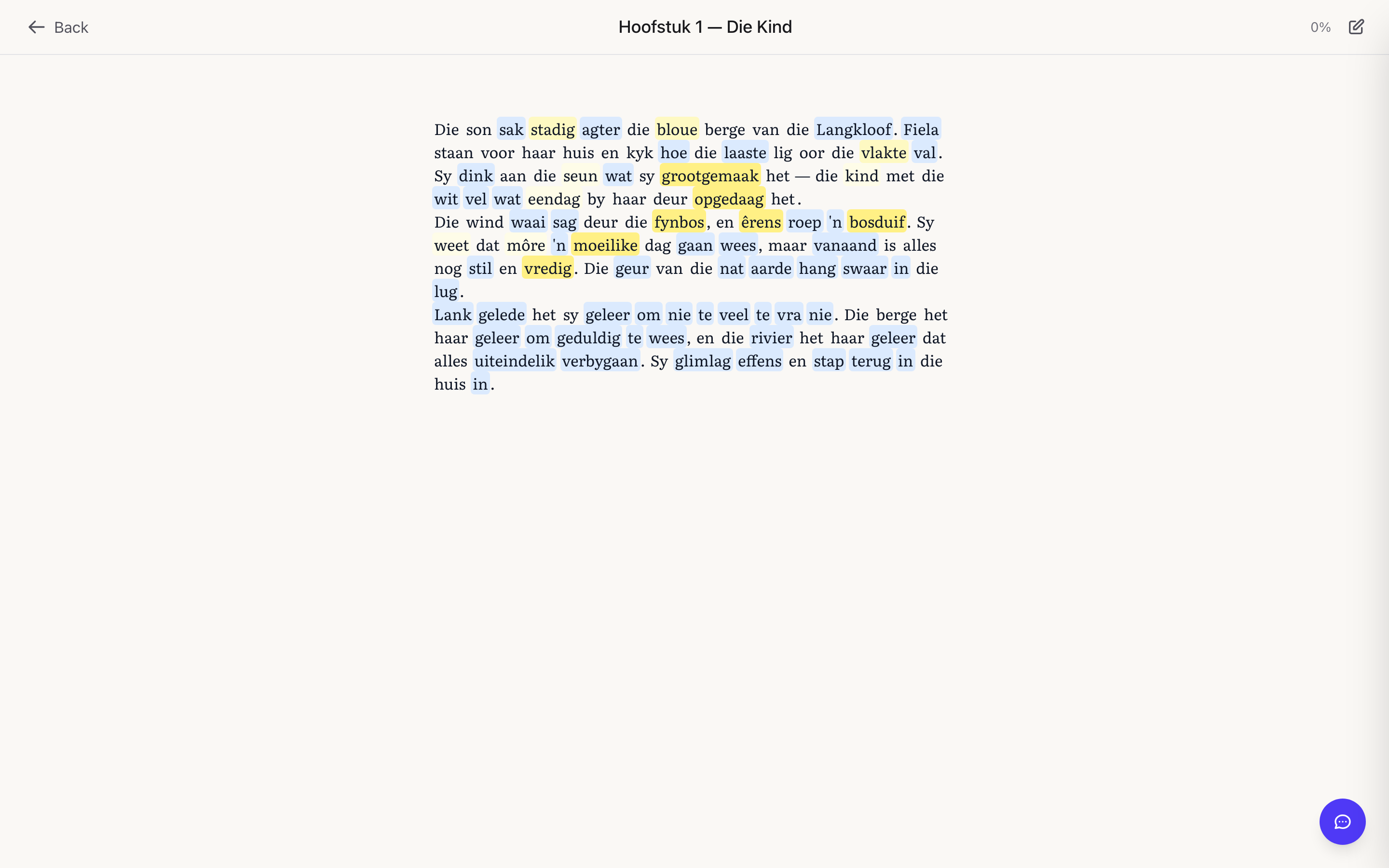
Turn any book into a lesson.
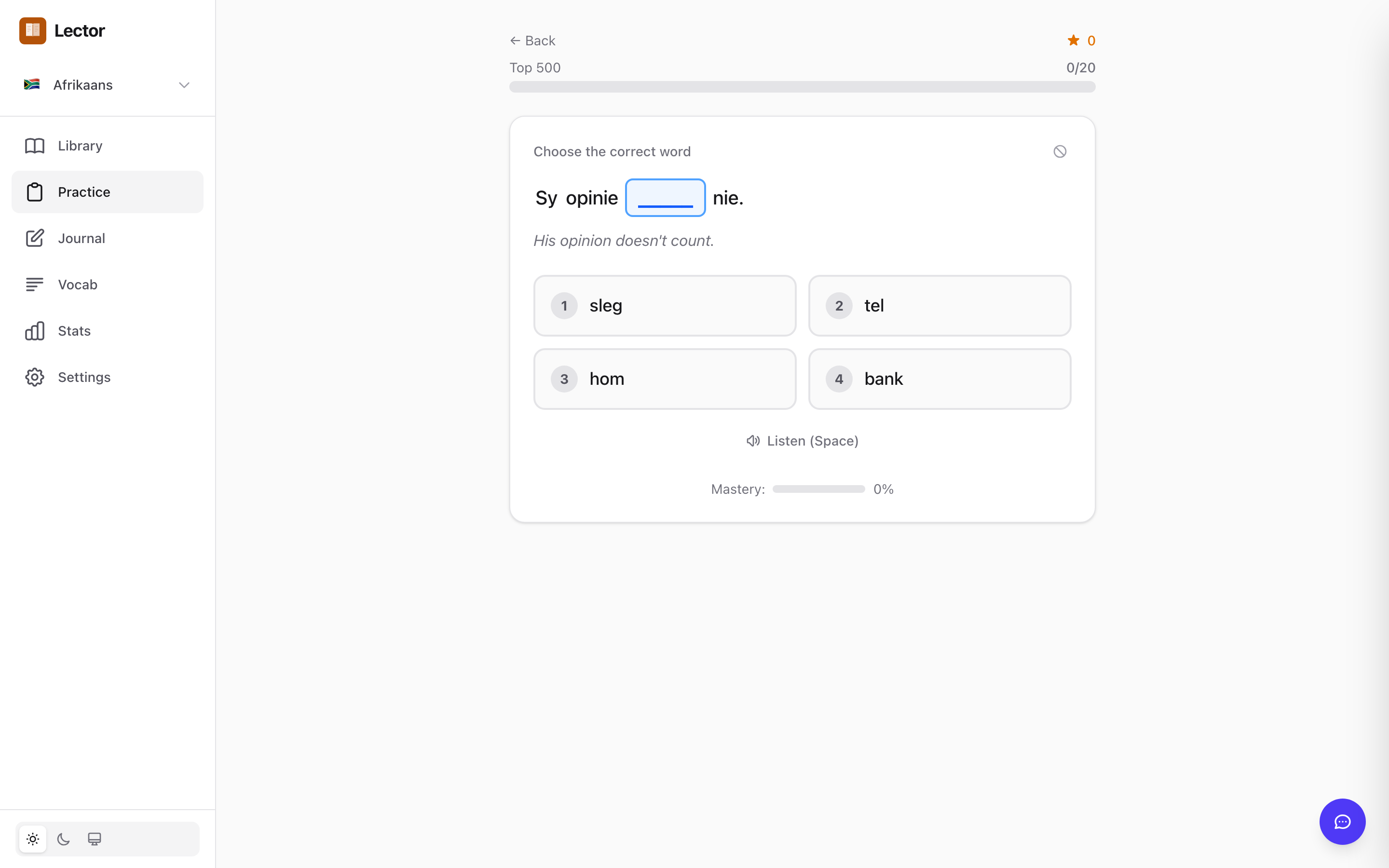
Drill the words that matter first.
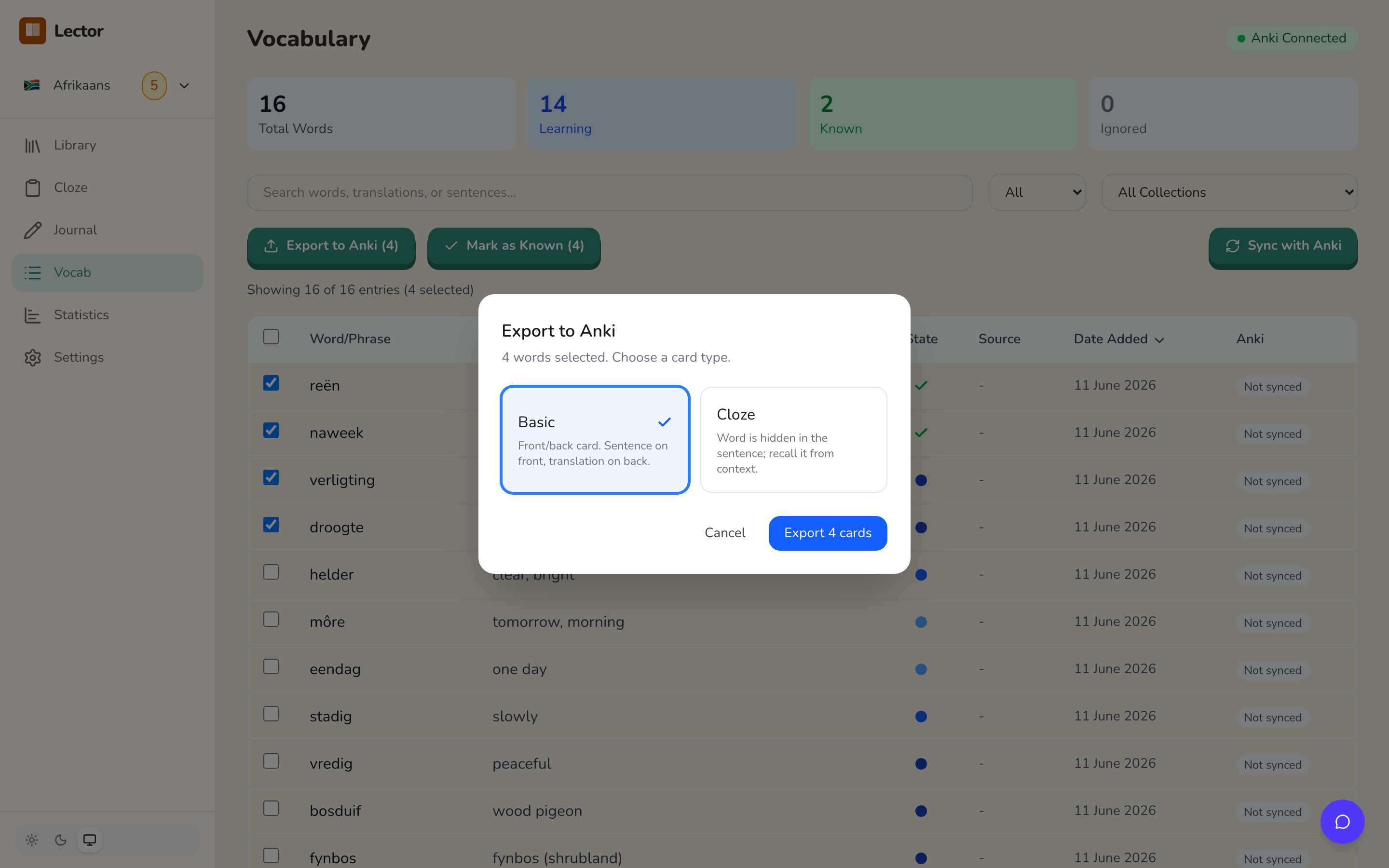
Mine vocabulary. Push it to Anki.
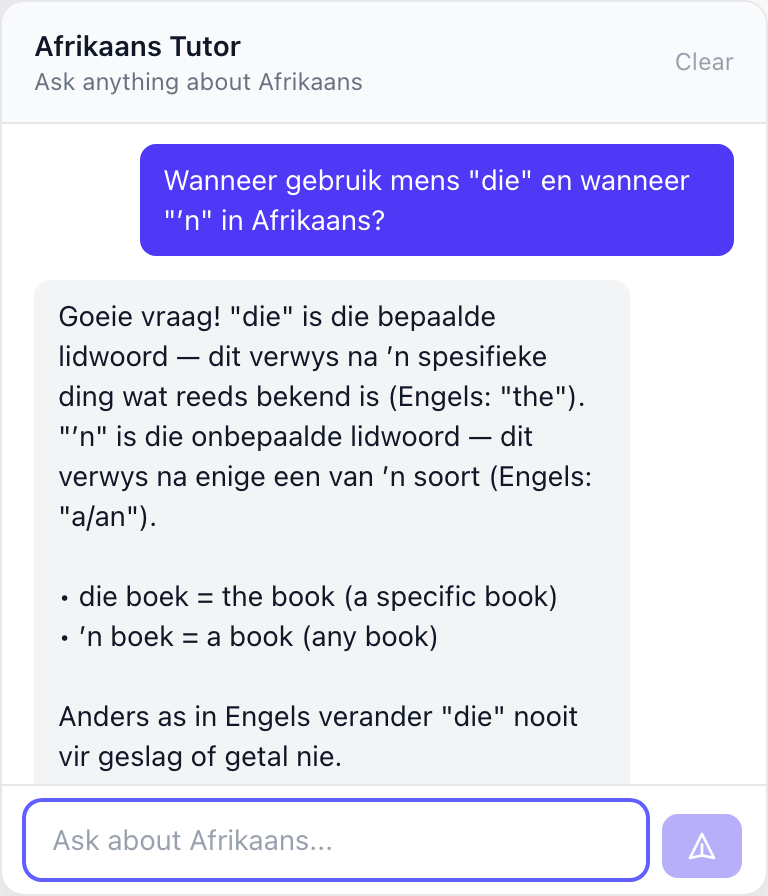
A tutor on call, and an editor for your writing.
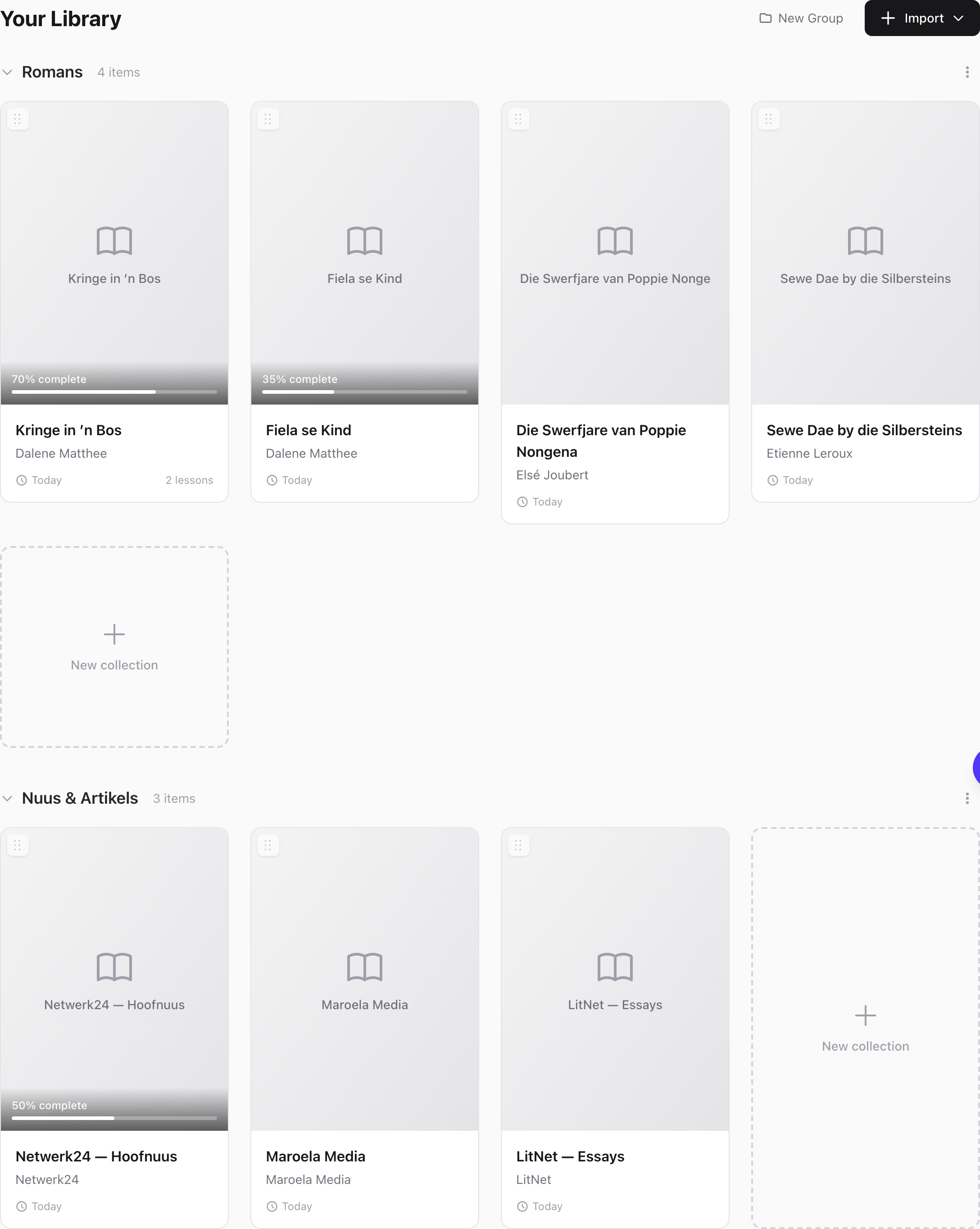
A library that stays tidy.
Everything else, without the sprawl.
Text-to-speech
Optional Google Cloud TTS to hear words and sentences pronounced correctly.
Web & paste import
Pull an article from any URL via Readability, or paste text directly.
Offline-first storage
SQLite server-side, IndexedDB client-side. No cloud accounts, no sync.
Statistics dashboard
CEFR fluency, vocabulary growth, reading streaks, activity heatmaps, cloze mastery.
AI translation with a fallback
Claude or a local LLM on demand, dropping to a 2,000-word offline dictionary.
Any language reads
The reader works with any language; packs add cloze banks and dictionaries.
Languages, ready to read.
Afrikaans → English
Afrikaans
Spanish → English
Español
German → English
Deutsch
French → English
Français
Dutch → English
Nederlands
🇮🇹 🇵🇹 🇷🇺 🇨🇳 🇯🇵 On the roadmap
Italian and Portuguese slot straight in. Russian is next; Mandarin and Japanese follow as a pair (word-segmentation + a reading layer).
Open source. Your way.
Self-host
FreeLector Cloud
Beta · from $5/moWe host it, back it up, and keep it updated. No Docker, no setup — just sign in and start reading. For when you'd rather not run a server.
Start on the cloudYour course shouldn't rent your progress back to you.
Your data, your server
Reading history, vocabulary, and progress live in a SQLite file on your hardware. No third parties, no telemetry.
No subscriptions
Deploy once, learn forever. No monthly fees, no premium tiers, no feature gates.
Works offline
Reading, cloze, and vocabulary all run without a connection. Only AI features need the internet.
Simple backup
One SQLite file, one Docker volume. rsync it, borg it, or copy it to a USB drive.
Running in about a minute.
docker-compose.yml
and bring it up.
# Create a directory for Lector
mkdir lector && cd lector

# Create a docker-compose.yml
cat <<EOF > docker-compose.yml
services:
  lector:
    image: ghcr.io/heuwels/lector:latest
    container_name: lector
    restart: unless-stopped
    ports:
      - "3400:3000"
    environment:
      - NODE_ENV=production
    volumes:
      - ./data:/app/data
EOF

# Start it up
docker compose up -dGood to know.
Self-hosting is free forever — deploy it once and use it with no subscription or feature gates (your only optional cost is your own LLM API usage if you don't run a local model). Prefer not to run a server? Lector Cloud starts at $5/mo and we host it for you. Either way it's the same app. For comparison, LingQ runs about $15/mo and Clozemaster Pro about $13/mo.
If you're comfortable running a Docker container, self-host: it's free, your data never leaves your hardware, and you bring your own LLM keys. If you'd rather just read and let someone else handle servers, backups, and updates, Lector Cloud (in beta) does exactly that from $5/mo. You can move between them — export any time, no lock-in.
On your hardware. Your reading history, vocabulary, and progress sit in a single SQLite file inside a Docker volume. No third-party databases, no analytics, no telemetry. Backing up is one file copy — rsync, borg, or a USB drive.
No. The reader, cloze practice, and vocabulary tracking all work offline against a built-in dictionary. AI translation, the tutor, and writing correction are the only features that call out — and you can point those at a local model (Ollama, Llama, Gemma) instead of the Claude API.
The reader works with any language. Language packs — which add frequency-banded cloze banks and on-device dictionaries — currently cover Afrikaans, Español, Deutsch, Français, Nederlands, with more on the way. Adding a pair is a straightforward pull request.
It's all three, self-hosted and joined up: LingQ-style reading with click-to-translate, Clozemaster-style frequency cloze, and first-party AnkiConnect export — plus an LLM tutor and a writing journal. One app, your server, your data. See the full breakdowns: Lector vs LingQ and Lector vs Clozemaster.
Learn alongside other readers.
Start reading in your target language today.
Open source to self-host for free, or on our cloud in a click.